More tinkering for Garden 2023
January 21, 2023
I started seeds for the 2023 garden three weeks ago. Just peppers and tomatoes. Old peat pellets were in the garage, so that’s what I used initially. As much as I loathe peat pellets, they’re what I had. A week ago I started more in some “fancy” starter trays I found on Amazon. This blog isn’t about either of those, but it is about a new idea I have.
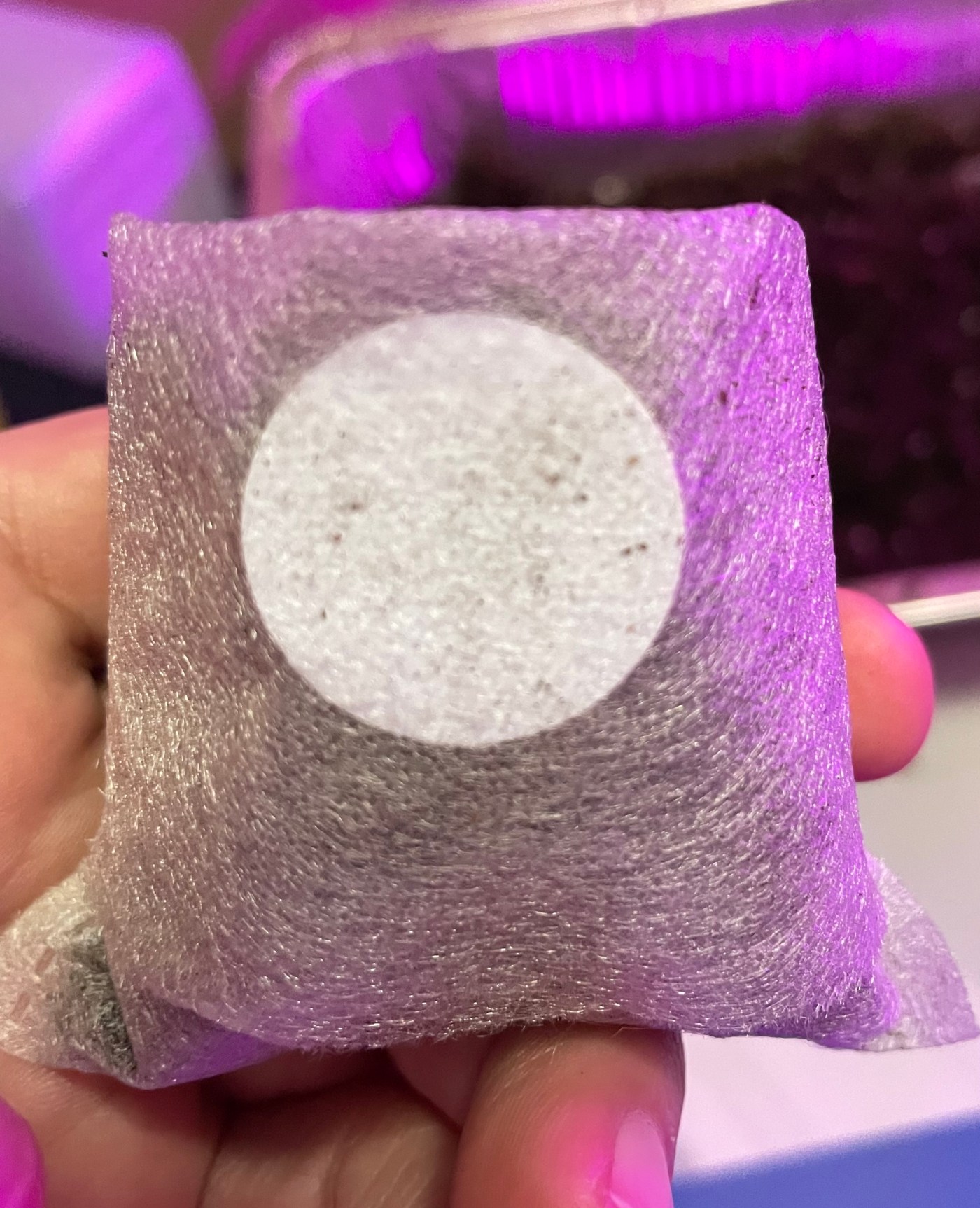
I found these net pots on Amazon. They appear similar to the netting around peat pellets… supposedly biodegradable, but I doubt that. Doesn’t really matter since they’ll tear off easily when I go to transplant plants to the garden.
I’ve been using plastic stakes and a sharpie to identify what’s what in each starter cell/pot, but that is tedious and the stakes are difficult to stick in the soil and get to stay in such a small container. I thought there had to be a better way.
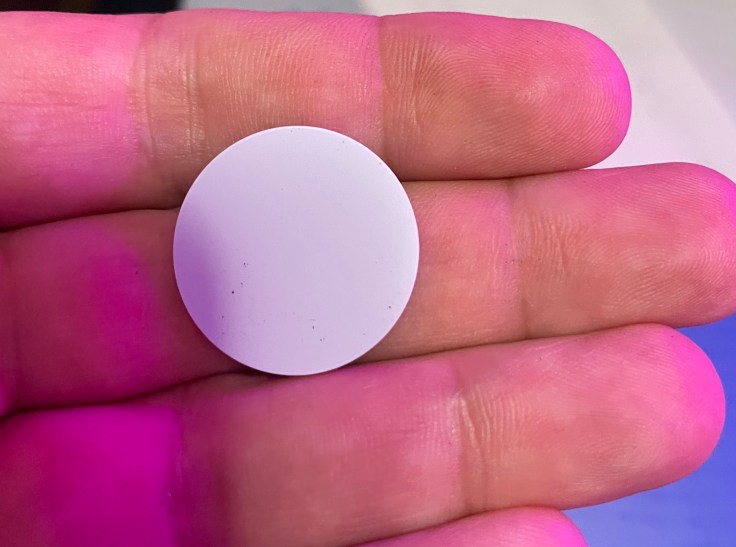
Then I remembered I had ordered these NFC tags to tinker with in Home Assistant, but haven’t really used them, so I thought, “hmm, lets make something I can just scan with my phone to see “what’s what in the pot” (I made a rhyme!).
Here’s a brief description/how to (pics below):
- Install a NFC reader/writer on your phone. I use NFC Tools from Wakdev on my iPhone. *note: your smart phone needs to be NFC-enabled (be able to read/write NFC tags)
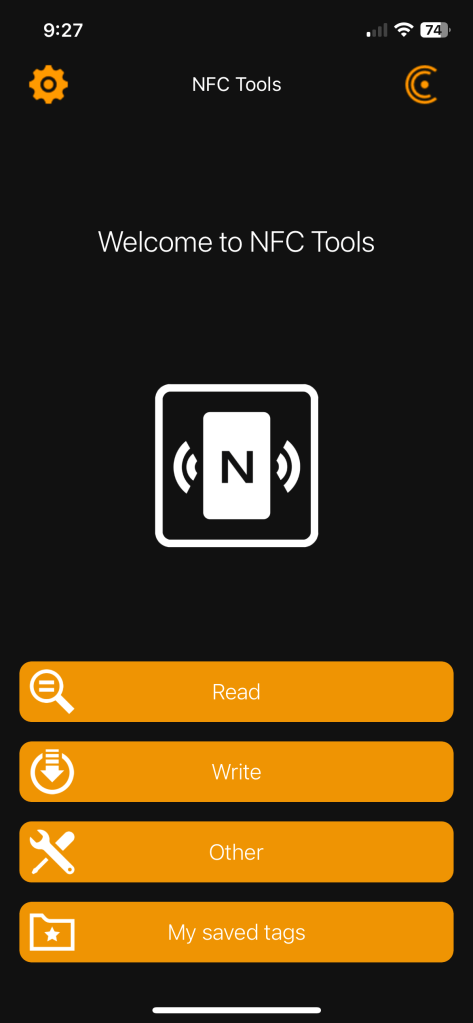
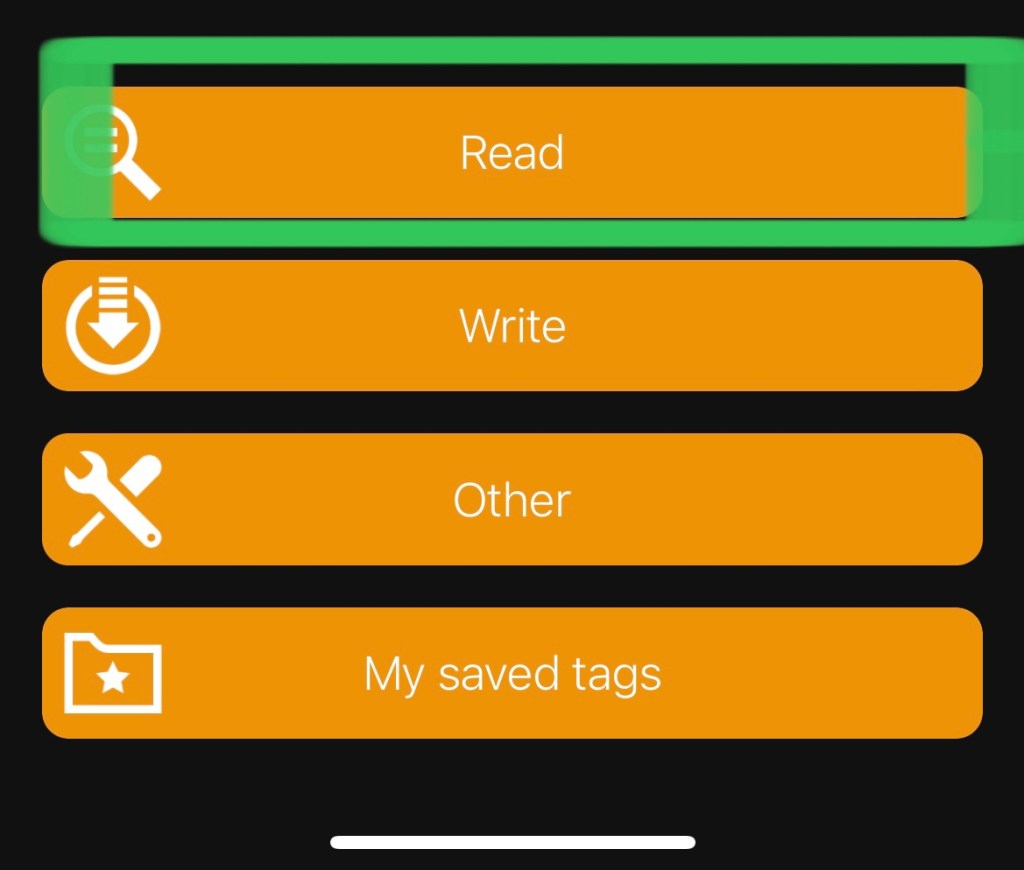
- Open the app and you’re ready to start
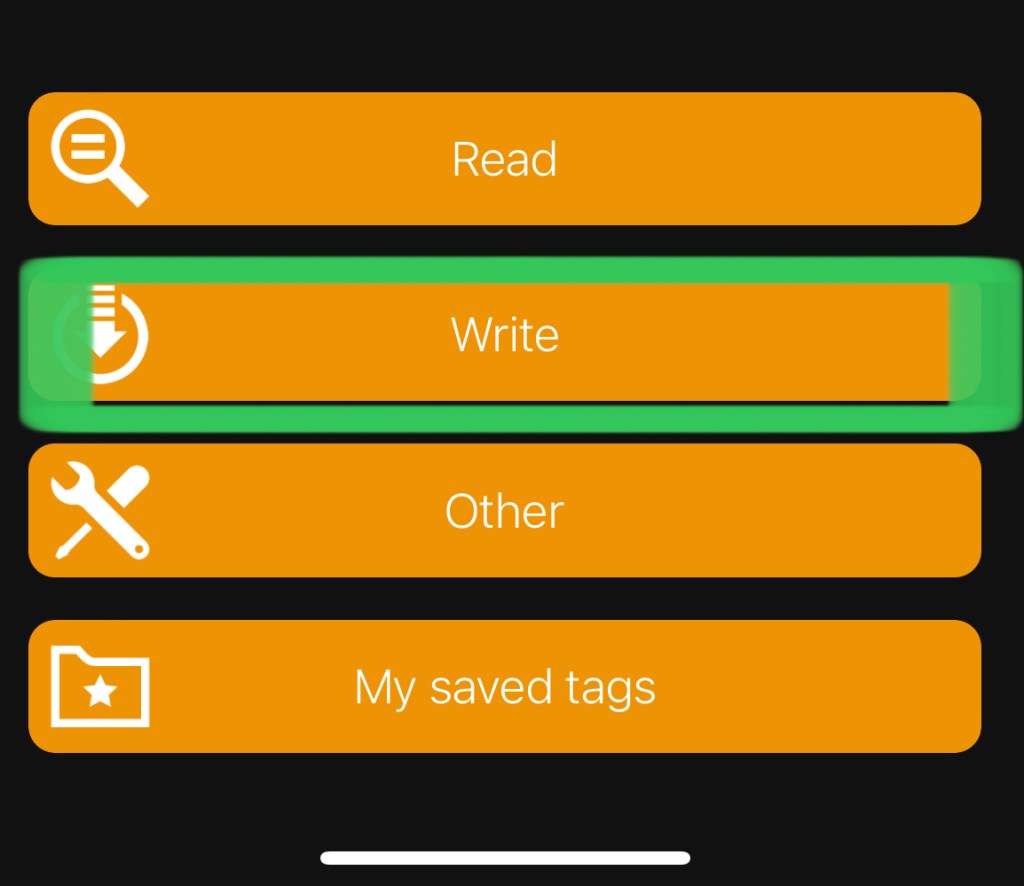
- A menu will pop up. Select “Write”
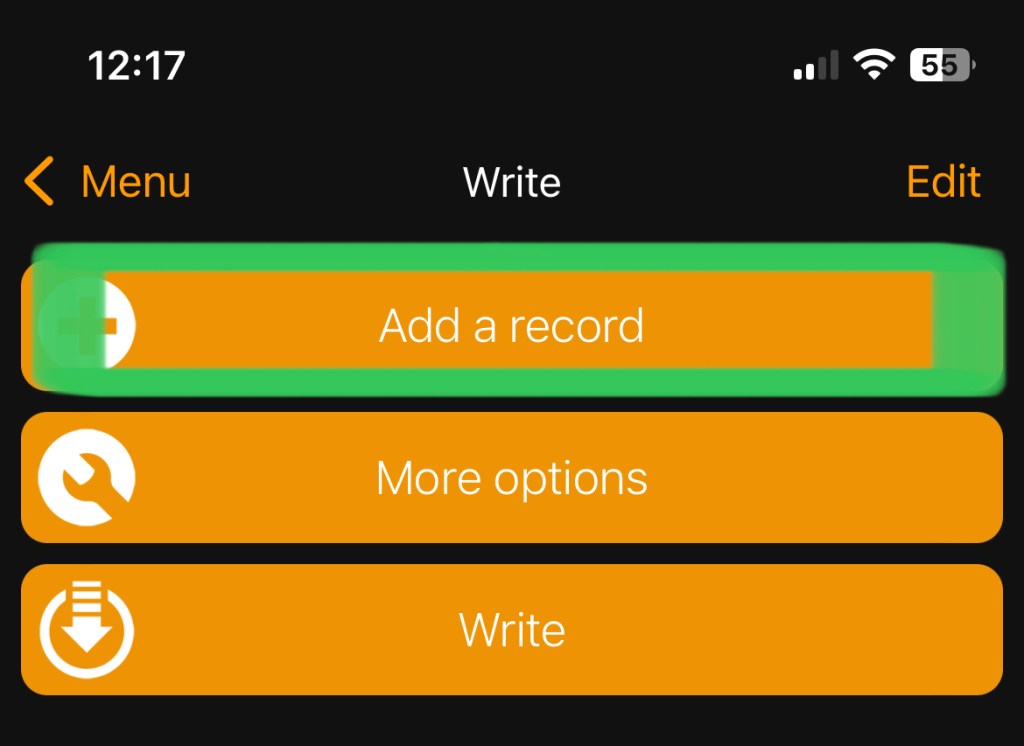
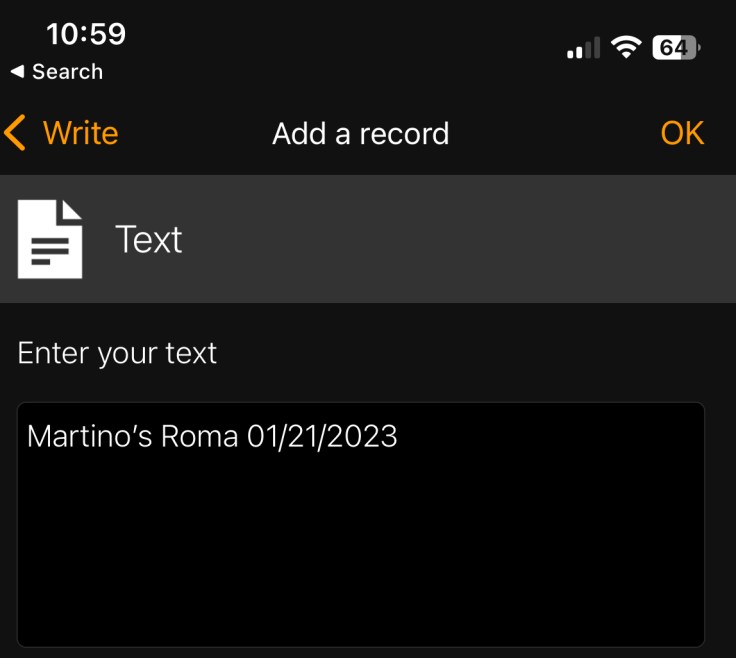
- Another screen will pop so you can “Add a record”. Click that.
- You’ll have a lot of choices of format, but for this, I just used “Text” to put in the plant name and date
- Hit OK
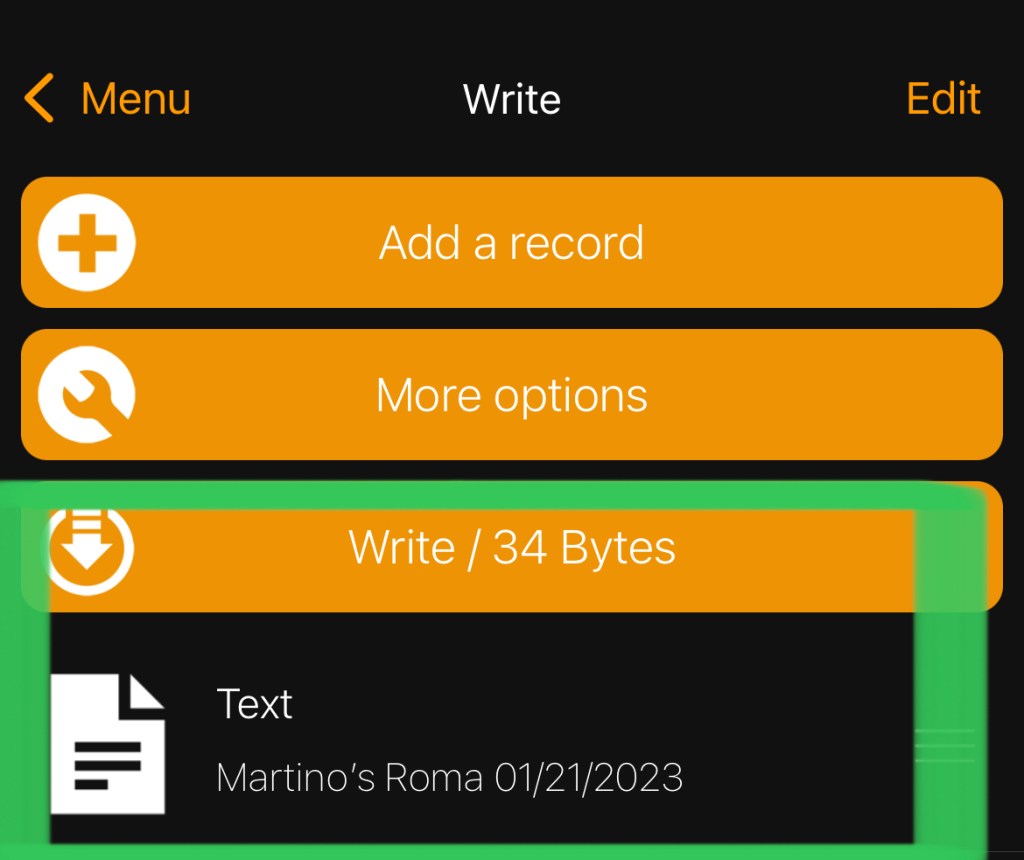
- Hit “Write” and you’ll be prompted to approach the tag (hold the tag near the reader on your phone)
- It’ll let you know the tag is written — you’ve created your first NFC tag!
- I then placed the tag under the fold of the net pot I’ll plant in. Seems to hold pretty well.
- You can then open NFC-Tools and hit “Read”
- Approach the tag (sounds pompous doesn’t it) and a screen will pop up showing a lot of info about what’s on the tag. you want to scroll all the way to the bottom and you can see the text you put in.
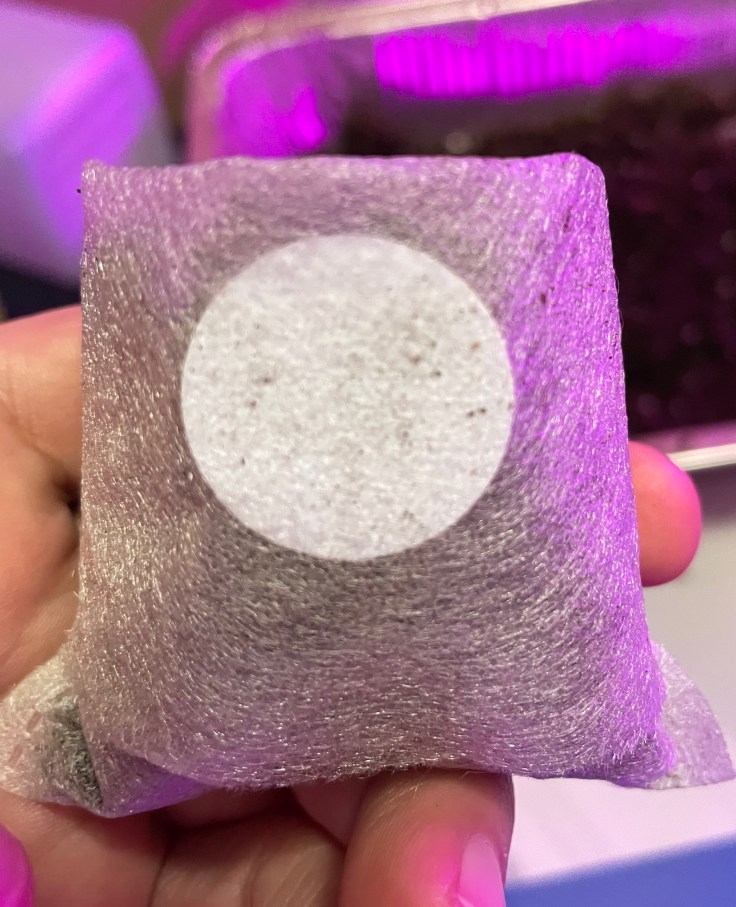
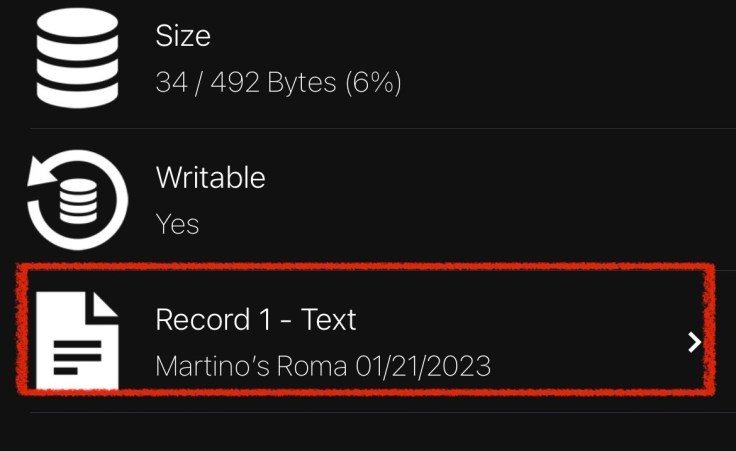
This is pretty basic, but works for proof of concept. I’ll look for a better app that doesn’t require as many steps or have as much noise to read the tag info. I think I can find a way to use it in Home Assistant, maybe with Node-Red, or maybe I’ll even build my own NFC tag reader (either are very likely to happen… someday!).
It’ll be interesting to see how they hold up and if moisture will affect the ability to read them, but for now it seems to work.
As always, I’m enjoying the tinkering with making BrummBilt garden tech as much as (probably more) than the actual gardening itself.
 BrummBilt’s Making and Growing Stuff Place
Leave a comment